Friday, December 9, 2011

Get Google Online Storage For Free


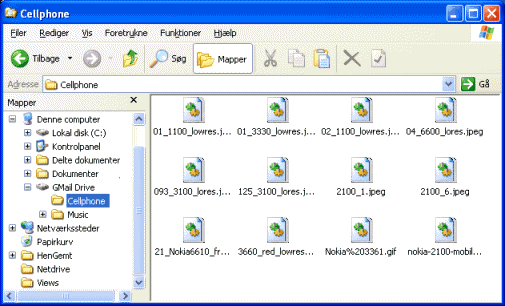
 GMail Drive is a free third-party Windows Shell namespace extension ("add-on") for Google's Gmail. GMail Drive is not supported by Google. It allows a user to access a virtual drive stored in a Gmail e-mail account by causing the contents of the Gmail account to appear as a new network share on the user's workstation. In order to use this add-on, the user needs a Gmail e-mail account. The add-on enables the user to use the standard Windows desktop file copy and paste commands to transfer files to and from the Gmail account as if it were a drive on the user's computer.


You Can Download by clicking here!!!

Step1:  You Need To Create An Account In Gmail (use new mail id recommended)

Step2: Download And Install Gmail Drive

Step3: Sign In to the Gmail through the Software

 Done!!! now you can save the files to the Google server

ScreenShots


Thursday, December 8, 2011

Idea New Offers And Plans 2011

STD Plan
Starter Pack Price 63
Talktime 25
Validity Lifelong
Charges
Outgoing Calls Pulse
IDEA to IDEA IDEA to Others IDEA to Fixed
1.2p/s for 6 Months. After 6 Months, Re 1/60sec. 1.2p/s for 6 Months. After 6 Months, Re 1/60sec. 1.5p/s for 6 Months. After 6 Months, Re 1/60sec.
STD
Anywhere In India  
IDEA to IDEA IDEA to Others IDEA to Fixed
40ps/min for 6 Months. After 6 Months, Rs 1.5/60sec. 40ps/min for 6 Months. After 6 Months, Rs 1.5/60sec. 40ps/min for 6 Months. After 6 Months, Rs 1.5/60sec.  
Gang Pack 

Starter Pack Price 29

Talktime 20Validity Lifelong

 Gang to Gang 20ps/min(7am to 11pm) and 10ps/min(11pm to 7am).  Gang Sms @5ps/sms . 250 MB 3G Data for 30 day

Special Recharges

MRP: Rs. 222
Talktime: Rs. Rs. 222 FTT  Validity: Lifelong

MRP: Rs. 111
Talktime: Rs. Rs.111 FTT  Validity: 15 Days

MRP: Rs. 50
Talktime: Rs. Rs 40.00  Validity: Nil

MRP: Rs. 100
Talktime: Rs. Rs. 85.00  Validity: Nil

MRP: Rs. 111
Talktime: Rs. Rs.111 FTT  Validity: 15 Days 


Youth Plan

Starter Pack Price 51

Talktime 10Validity Lifelong

2GB GPRS free for 30 days (Daily Free limit for GPRS: 69 MB post which charges: Rs 5/MB)  250 Local SMS. Validity 30days. 250 On-Net Night Minutes (11pm-7am). Offer Validity 30 days

source: idea cellular

Wednesday, December 7, 2011

Download New Gmail Application For Ipad And Iphone


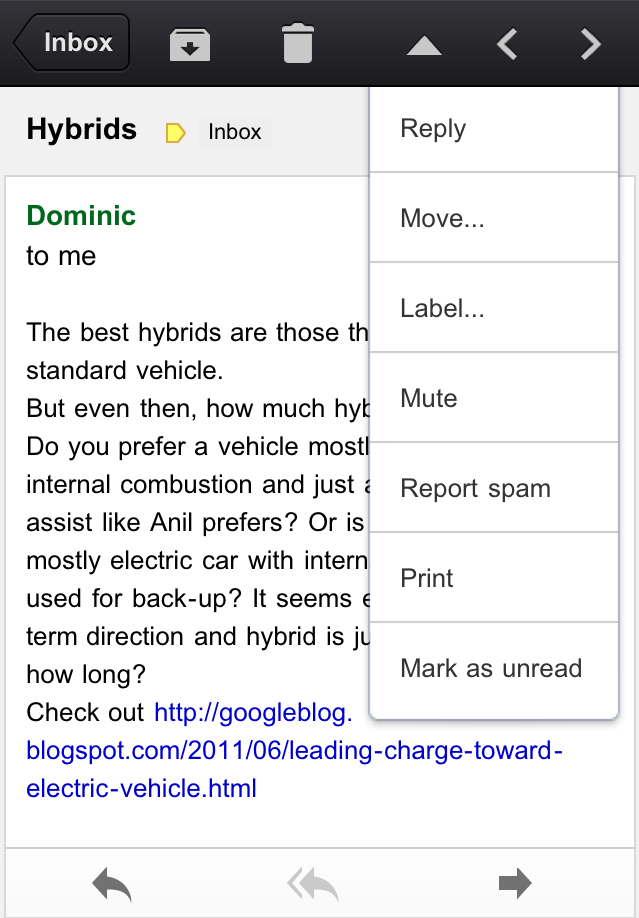
Introducing the Gmail app for iPhone, iPad and iPod touch


Waiting. Walking. Watching TV. Working out. Winding down. Waking up. We check email pretty much everywhere these days. And when we do, we want easy access to our important messages so we can respond quickly and get back to life -- or slinging birds at thieving green pigs.

With that in mind, we’ve created a new Gmail app for iPhone, iPad, and iPod touch. We’ve combined your favorite features from the Gmail mobile web app and iOS into one app so you can be more productive on the go. It’s designed to be fast, efficient and take full advantage of the touchscreen and notification capabilities of your device. And it’s one more reason to switch to Gmail.

Speed
We want to give you the information you need quickly, with minimal effort and distraction. So we’ve included some time-saving features:
  • Get alerted to new messages with push notifications and sounds
  • Find an email in seconds with search across your entire inbox
  • Autocomplete email addresses from your Gmail contacts or select from your device’s address book
  • Upload photos with a click using the new attachment button in compose view
  • On iPad, navigate your inbox and read your mail simultaneously with split view

Upload photos

Reply, move, label and more

Efficiency
Our inboxes overflow with dozens and even hundreds of messages a day—and this can be even more challenging on a smaller screen. The new Gmail app helps organize your mail so you don’t have to go wading through your inbox to find that key message from your boss or loved one:
  • Focus on your important messages first with Priority Inbox
  • Quickly scan countless emails on the same subject with threaded conversations
  • Organize your mail by archiving, labelling, starring, deleting and reporting spam
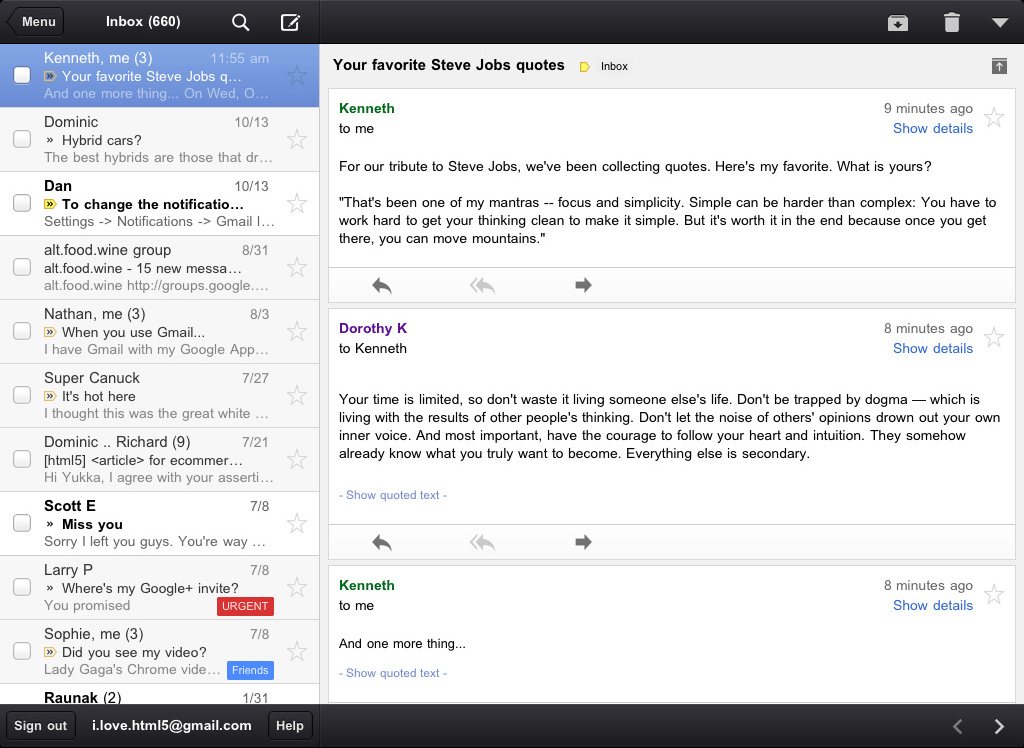
Threaded conversations on the iPad

Touch
We’ve also optimized the interface so you can perform common actions in Gmail with the lightest touch:
  • Pull down your inbox to rapidly refresh if you’re eager for new mail
  • Swipe right to view your labels without ever leaving your inbox
  • Swiftly scroll through dozens of emails just by sliding your finger

Pull down to refresh

Swipe right to view labels
We hope the Gmail app makes checking email on the go a little easier. It is available in the App Store today and works on all devices running iOS 4+. For more information
Source:Google

Sunday, December 4, 2011

Trick To change Windows7 Logon Screen Background Image

Have you ever wonder, how compnies branded laptops and desktop pc has custom OEM Background logon Image with thier log on it. here is simple procedure to mentioning How you can change Windows 7 logon screen background. If you are not winows7 users, here is another tip for Windows Xp users about Change Welcome screen in Windows Xp manuallyWith a small tweak it is possible to customize the Windows 7 logon screen and set your own picture/wallpaper as the background.Changing logon screen background in Windows 7 is as simple as changing your desktop wallpaper. Well here is a step by step instruction to customize thelogon screen background. The image you need to set as the background should be a .jpg file and it’s size should not exceed 245KB. The image resolution can be anything of your choice. However I prefer 1440 x 900 or 1024 x 768. You can use any of the photo editing software such as Photoshop to compress and set the resolution for your image. Once you’re done, save this image as backgroundDefault.jpg.
You will need to copy this image to C:\Windows\system32\oobe\info\backgrounds You will need to create that path if it does not already exist on your computer. 

Now open the Registry Editor (Start -> Run -> Type regedit) and navigate to the following key HKEY_LOCAL_MACHINE\Software\Microsoft\Windows\CurrentVersion\Authentication\LogonUI\Background

If Background does not exist rightclick LogonUI, select New and then Key, and then name it Background. Now locate OEMBackground (listed on the right side). If it does not exist, right-click Background and select New and then DWORD and name it OEMBackground.

Double-click on OEMBackground and set the Value Data to 1. Now log-off to see the new logon screen background.If you would like to revert back to the default background, just set the Value Data back to 0

Like The Post

Saturday, December 3, 2011

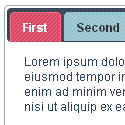
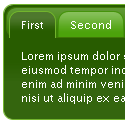
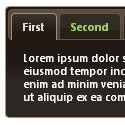
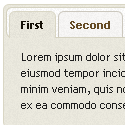
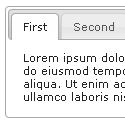
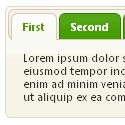
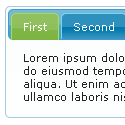
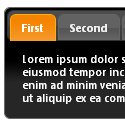
Add Multi Tabbed Navigation Widget To Blogger / Blogspot Blogs Sidebar
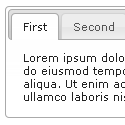
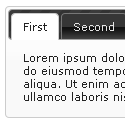
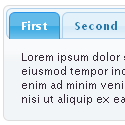
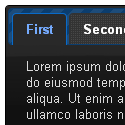
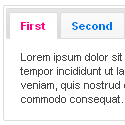
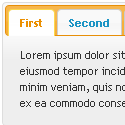
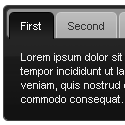
Hi Friends, Today I am going to share how to add multi tabbed widget for blogger. I have seen that there are so many tutorials on the web regarding this. But as I thought these are really complicated.I am writing very easy and simple tutorial which will guide you to add this widget to your blog’s sidebar.It looks very nice in your sidebar. This widget works based on jQuery and jQueryUI.


How to Install This Widget on Blogger?

Steps...

A. Adding Script Code

B. Adding CSS Theme Code

C. Adding HTML Code

Adding Script Code

I have to write two set of instructions for each steps, as some of you are using the default layout, and some of you are using the new layout.Backup your template before attempting this tutorial.

Step 1:

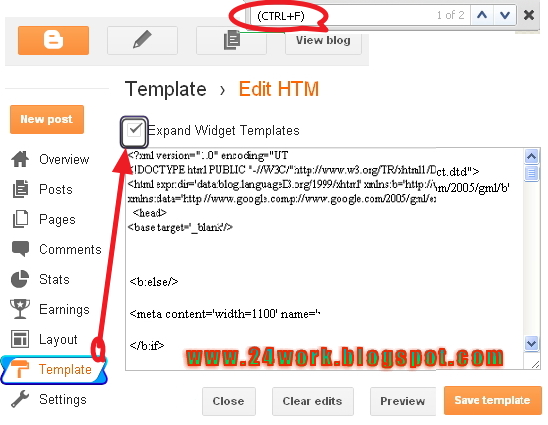
In old layout: Go to Dashboard - Design - Edit HTML - Expand Widget Templates.


In new layout: Go to Dashboard - Template - Edit Template HTML - Expand Widget Templates.


Now find (CTRL+F) this code in the template:

Step 2:And find the code
Step 3: Now add the following code just before the tag.


Adding CSS Theme Code
Select One Theme and Place Theme code before  tag


Adding HTML Code


I have to write two set of instructions for each steps, as some of you are using the default layout, and some of you are using the new layout. So, let's see how to install this cool widget in your blog..


Step 1:


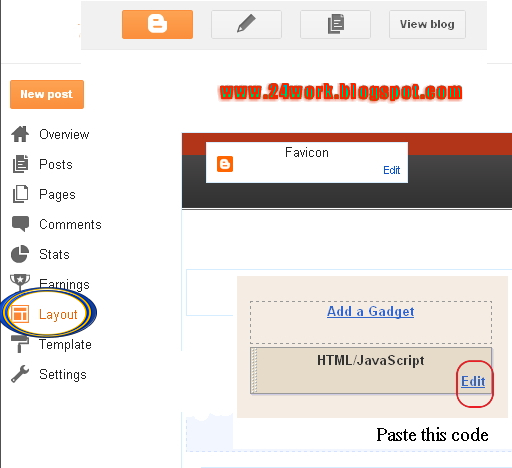
If you're using the old Blogger interface: Go to Dashboard - Design - Page Elements - Add a Gadget.


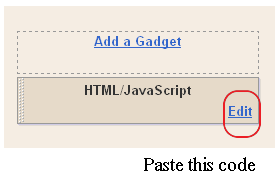
Add a Gadget of HTML/JavaScript type.

If you're using the new Blogger interface: Go to Dashboard - Layout - Add a Gadget


2.Click on 'Add a Gadget' on the sidebar.

3.Select 'HTML/Javascript' and add the one of code given below

4. Now Click On Save 'JavaScript' You are done.


Blogger Widgets


tabs-1">Tab 1 content goes here

tabs-2">Tab 2 content goes here

tabs-3">Tab 3 content goes here


+ Grab this


Note:
Replace these with your tab titles


Tabs-1 , Tabs-2  , Tabs-3

Replace these with your widget codes.

Tab 1 content goes here Tab 2 content goes here ,  Tab 3 content goes here


Adding HTML Code


Use bellow Form to add HTML widget code to Blogger


Yes! You are Done!


For any assistance and customization of this widget you can surely contact me via comments or Contact form.


Have a Nice Day...


Many thanks to way 2 blogging for making this code and I just tested and modified to work on blogger


Friday, December 2, 2011

ACTIVATE VOICEMAIL IN BSNL FOR FREE

Now BSNL provide voicemail facility for free
 You activate this service by sending message to ACT VMS to 53733

 
 Call 17000 for voicemail inbox

Charges applicable for the retrieval of voicemail messages

Like The Post

Thursday, December 1, 2011

Exclusive Gift For Airtel Customer, Airtel New Offer

Only you need to just dial *321*400#

 With in 24hrs you get a message with link to download full songs for free

 Note: This is not a trick, its a gift from the airtel
             Working in some states only